mate.travel app
Installation Guide
Overview
The mate.travel app is a Progressive Web App (PWA), offering the benefits of an app without the need for installation from an app store. It's lightweight, always updated, and works offline.

Comparison of PWA and Native App
| Progressive Web App | Native App |
|---|---|
| Access through browser, no download needed | Requires download from app store |
| Works on any device with a browser | Limited to specific operating systems |
| Automatic and always current | Manual updates needed |
| Minimal space required | Larger storage space needed |
| Fast and available offline | Fast but can be affected by device specs |
Installation Steps
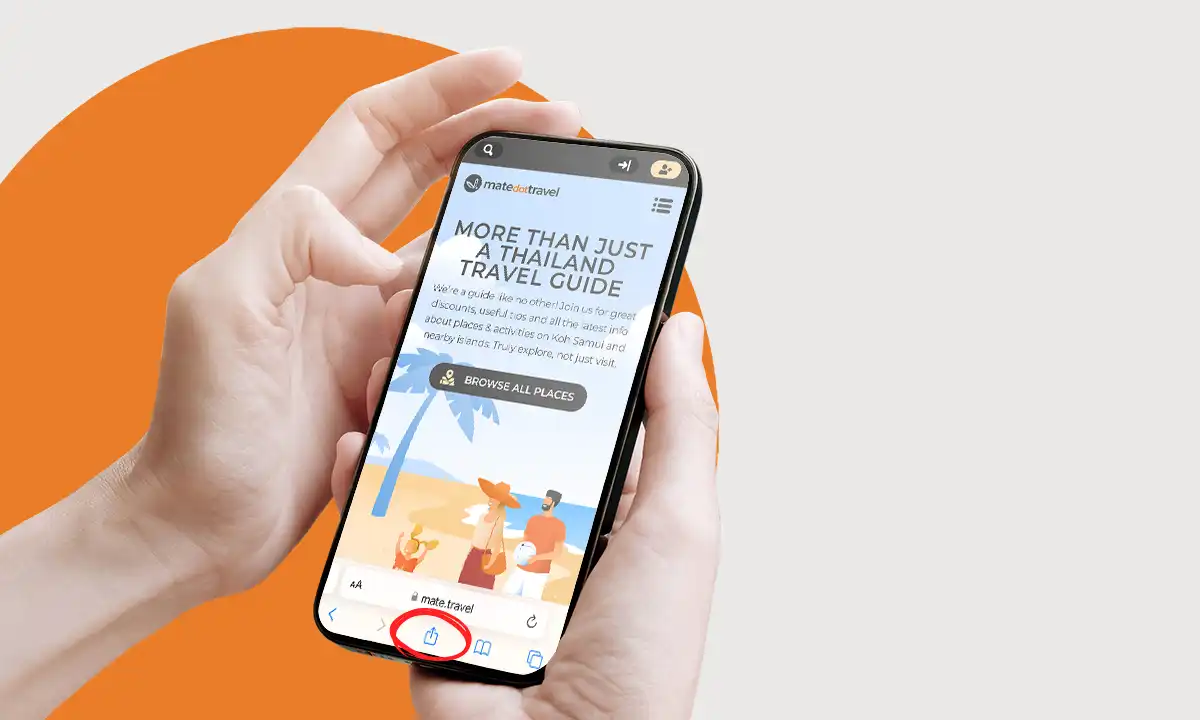
1. Visit Our Site: Open your mobile browser and head to mate.travel. Works with Safari or Google Chrome on both iOS and Android. Once the site is loaded, tap on the share button:
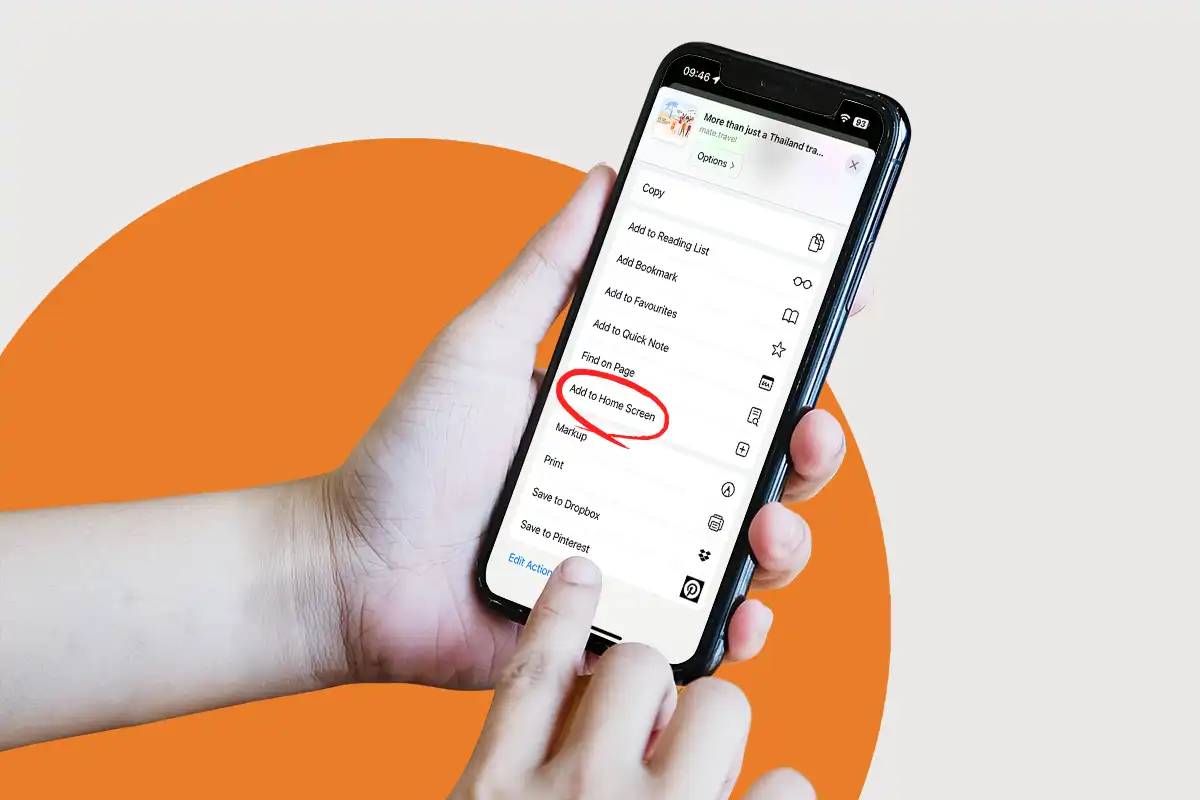
2. Tap to Add: Look for the ‘Add to Home Screen’ prompt:
3. One More Tap: Hit ‘Add’ button in the top right corner:

4. All Set: Open it like any app and start exploring our all our amazing features!